
keke — learn by scene
 Download on the App Store
Learn inside scenes, not from lists. Step into a place, notice what is around you, hear how people use it, and take part in a short conversation.
See the world before you download
Explore the world
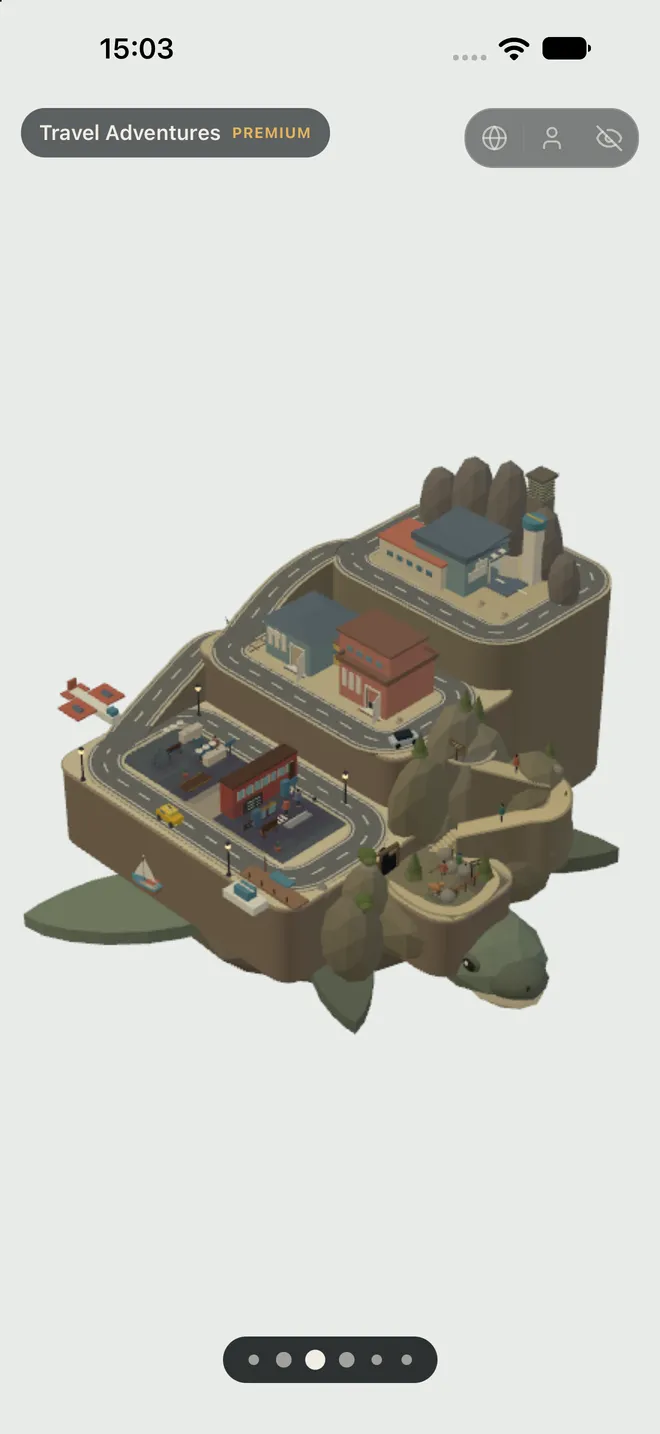
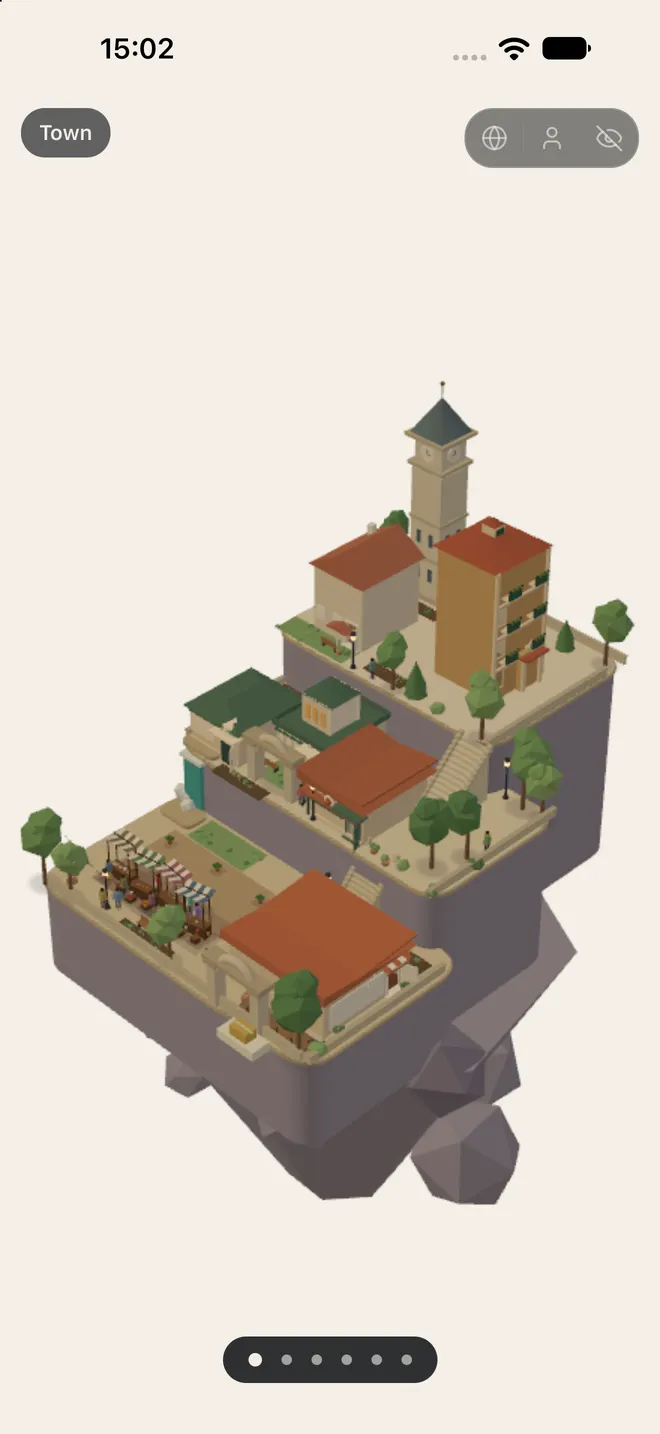
Version 1.1.0 has three islands. Start in the free Town: home, school, market, restaurant, and hotel. One all-access purchase opens Commerce Center for everyday errands and Travel Adventures for airport, train, direction, museum, and lost-bag situations. Version 1.2.0, currently awaiting App Review, will expand the world to six islands.
Coming in 1.2.0
Version 1.2.0 is currently awaiting App Review. When it is released, it adds The Neighbourhood, The Work Island, and Tokyo District; overheard conversations in almost every room; a shelf for saved words and lines that leads back to their scene; and postcards you can share. All-Access will then also offer monthly, yearly, and Lifetime options.
See it, hear it, use it
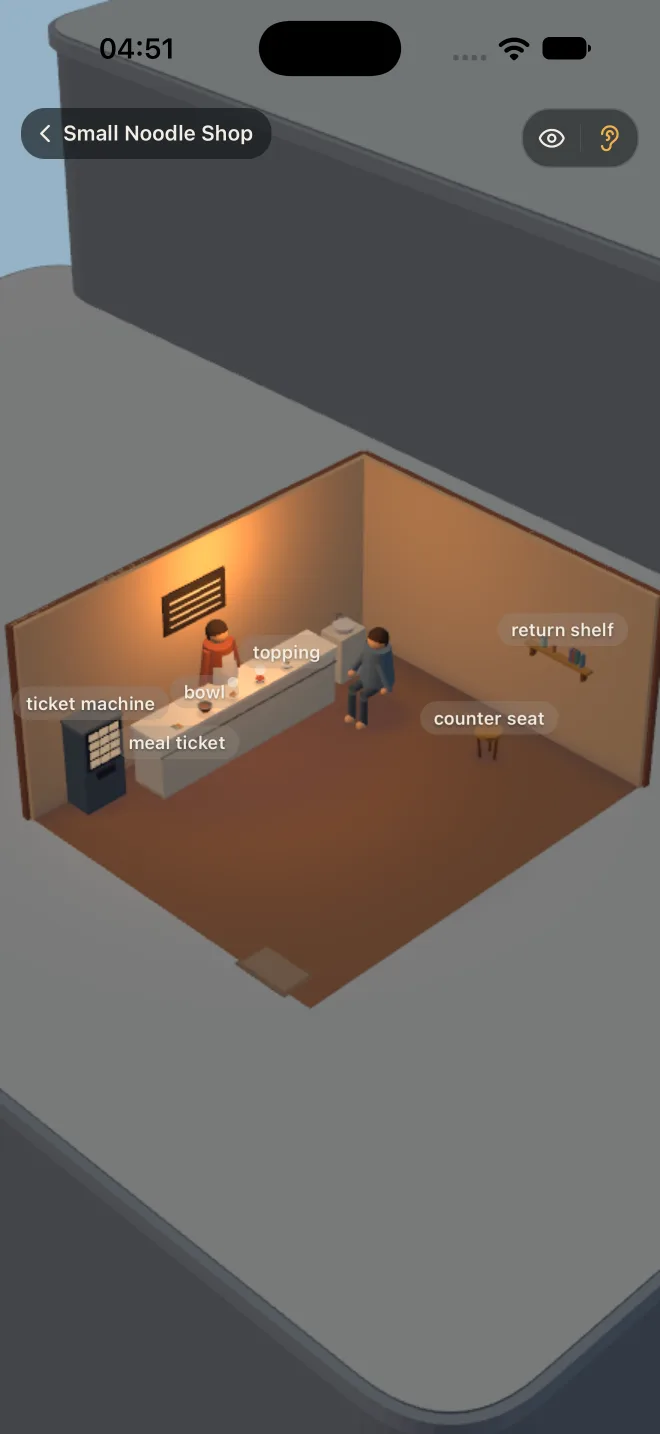
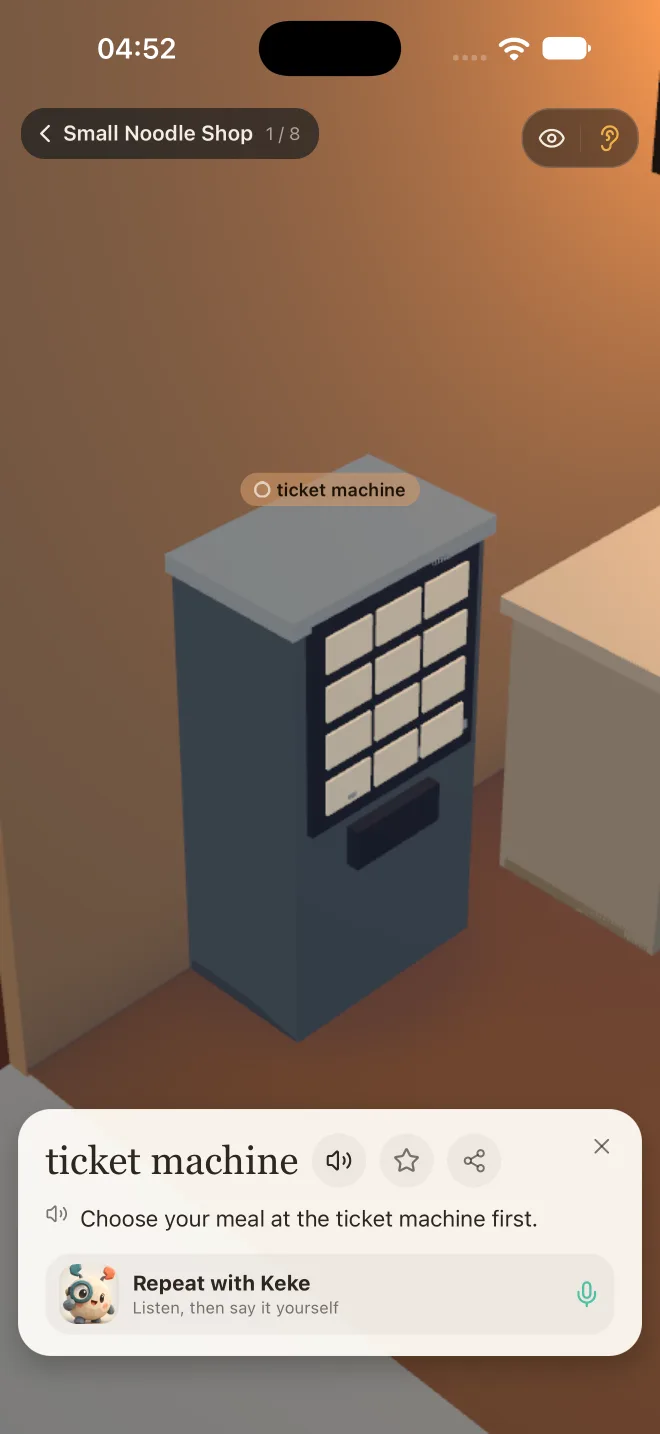
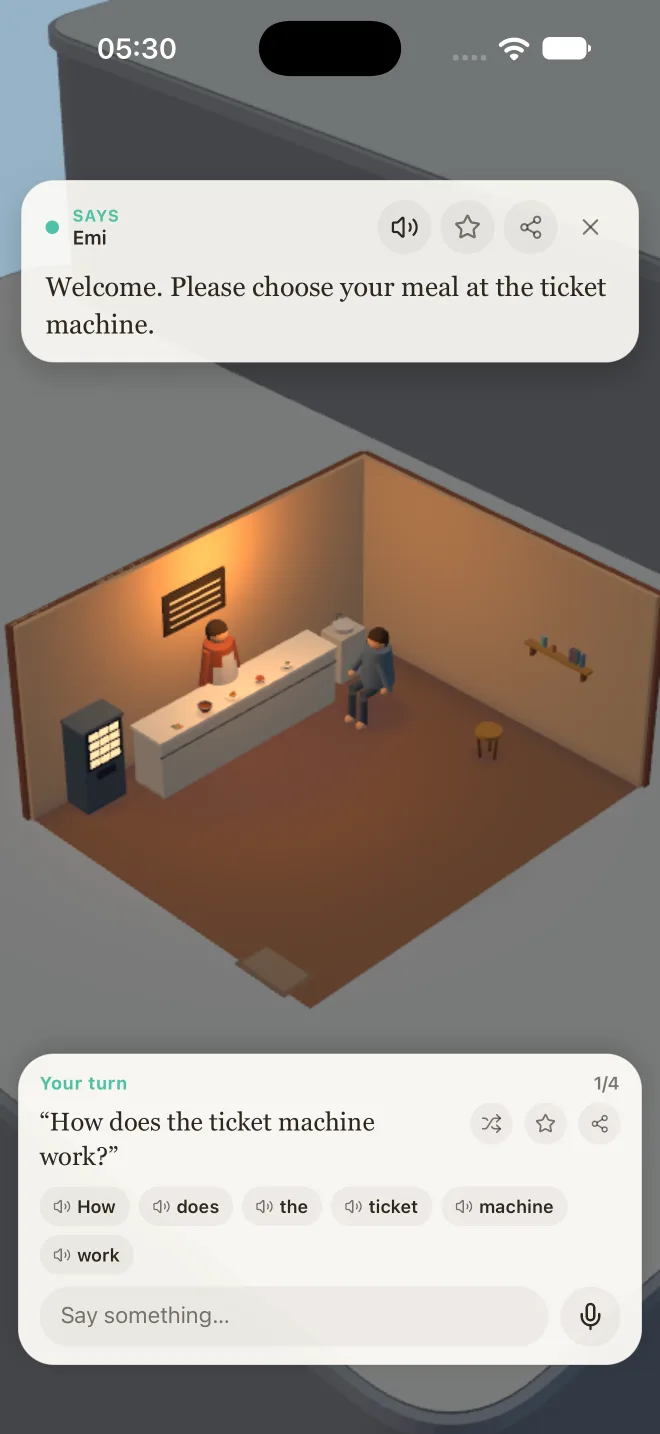
Each scene is a place you can enter, with visible objects, people, and short dialogue. Tap around to discover words, then take a part in a conversation. In almost every room, you can also listen to two people talk at natural speed, then practise either part yourself.
Speak, or type
Speaking is optional. Say your answer aloud when you can, or type it when you prefer — the conversation keeps moving either way.
Languages
Every room and conversation is written in English, Mandarin, and Japanese. Choose any of those as the language you are learning; each keeps separate progress. The interface is available in English, 简体中文, Español, and 日本語 — independently of that choice.
Progress and accounts
You can use keke as a guest — progress stays on your device. Sign in and it syncs across your devices instead. Progress is tracked quietly per room with a small seen / total count. There is no quiz, no streak, and it never locks a scene behind a score.
Purchases and restoring
All-Access is a one-time purchase, not a subscription. It opens Commerce Center and Travel Adventures. If you reinstall keke or move to a new device, open the store screen and tap Restore Purchases — it comes back with the Apple ID that bought it. Refunds are handled by Apple at reportaproblem.apple.com.
Support
Something broken, a word in the wrong place, or a purchase that didn't unlock? Email help@milisp.dev. Telling us your device and iOS version, and which room you were in, gets you an answer faster.